
How to Create a WordPress Website Without Coding
Creating a WordPress website without coding is easier than ever in 2025. With WordPress, beginners can build professional websites without learning HTML, CSS, or any programming language. This guide explains how to create a WordPress website without coding, using beginner-friendly tools and features.
WordPress is designed for non-technical users who want to create blogs, business websites, or online stores without coding skills.

Why WordPress Is Best for Creating a Website Without Coding
WordPress is a no-code website platform that allows users to design and manage websites visually. More than 43% of websites use WordPress because it offers flexibility and ease of use.
WordPress without coding is popular because:
No technical knowledge required
Visual editors available
Ready-made themes and templates
Drag-and-drop page builders
Beginner friendly interface
WordPress helps beginners create websites quickly and efficiently.
What You Need to Create a WordPress Website Without Coding
To create a WordPress website without coding, you need:
A domain name
WordPress hosting
WordPress installed
A domain name is your website address, and hosting stores your website files. Reliable WordPress hosting for beginners ensures better performance and SEO.
Popular hosting providers offer one-click WordPress installation, making the setup process simple for beginners.
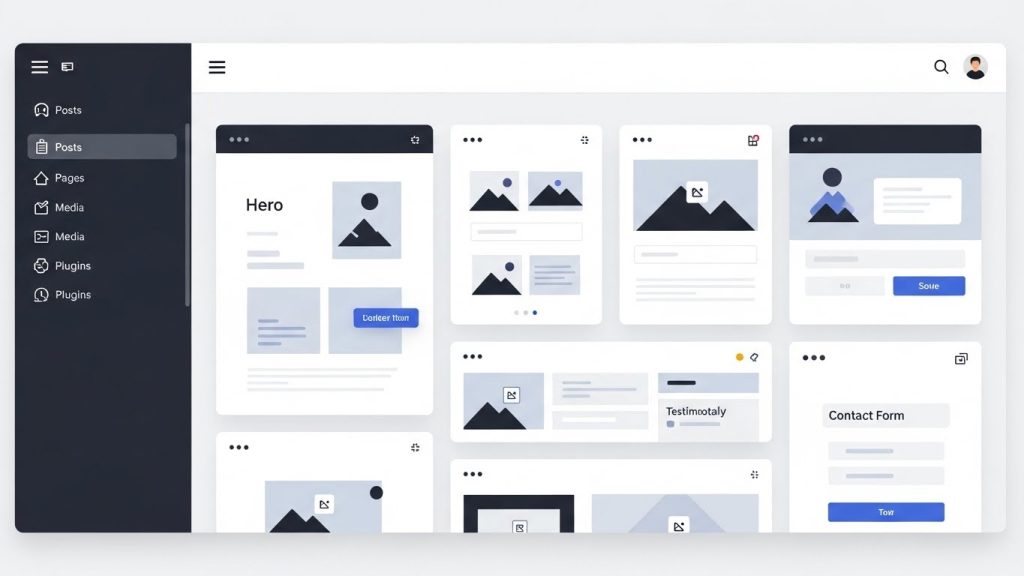
How to Install WordPress Without Technical Skills
Installing WordPress does not require coding knowledge. Most hosting companies provide automatic installation.
Steps to install WordPress:
Login to your hosting account
Click on Install WordPress
Enter website name and admin details
Finish installation
After installation, you can access the WordPress dashboard, where you control your website.
This process allows beginners to create a WordPress website without coding.
Using WordPress Themes to Build a Website Without Coding
WordPress themes control the design and layout of your website. Themes allow users to build websites visually without coding.
Best WordPress themes for no-code websites:
Astra
GeneratePress
Kadence
OceanWP
These themes are beginner friendly, fast, and SEO optimized. You can install themes directly from the WordPress dashboard under Appearance.
Using the right theme helps you create a professional WordPress website without coding.
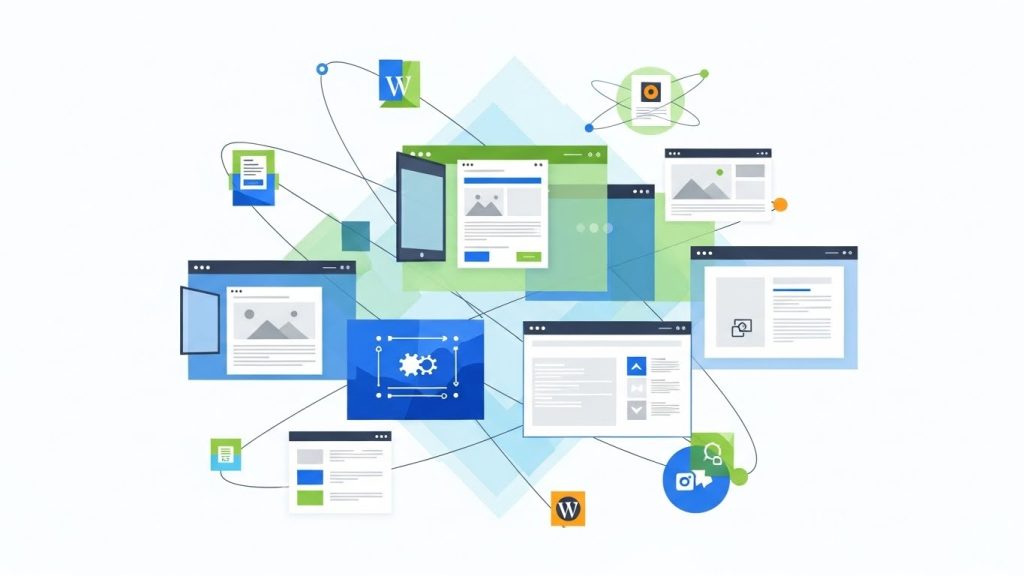
How Page Builders Help Create WordPress Websites Without Coding
Page builders make WordPress completely no-code. They allow users to design pages using drag-and-drop elements.
Popular WordPress page builders:
Elementor
Gutenberg Block Editor
Beaver Builder
With page builders, you can:
Add text, images, buttons
Design layouts visually
Customize pages in real time
Create landing pages without coding
Page builders are essential tools for creating WordPress websites without coding.
Installing Plugins to Add Features Without Coding
Plugins extend WordPress functionality without writing code. Beginners can add advanced features easily.
Essential WordPress plugins for no-code websites:
Elementor for page design
Rank Math SEO for search optimization
LiteSpeed Cache for speed
UpdraftPlus for backups
Wordfence for security
Plugins allow beginners to customize WordPress websites without coding knowledge.

Creating Pages in WordPress Without Coding
Pages are used for static content like About, Contact, and Services pages. Creating pages in WordPress does not require coding.
Steps to create a page:
Go to Pages
Click Add New
Use page builder or blocks
Add content visually
Publish
This process helps beginners build structured websites without coding.
Customizing WordPress Website Without Coding
WordPress customization is simple using built-in tools.
Customization options include:
Changing colors and fonts
Adding logos and menus
Editing headers and footers
Customizing layout using themes
All these changes can be done without writing any code, making WordPress ideal for beginners.
SEO Setup for WordPress Websites Without Coding
SEO is important for ranking on Google. WordPress offers SEO tools that beginners can use without coding.
Basic WordPress SEO without coding includes:
Installing SEO plugins
Adding keywords in content
Optimizing meta titles
Improving website speed
Using mobile responsive themes
SEO optimization helps WordPress websites get traffic and visibility without technical work.
