
How to Start a WordPress Blog Step by Step for Beginners (2025 Guide)
Starting a WordPress blog is one of the best online income sources in 2025, especially for beginners who want to earn from ads, affiliate marketing, and digital products. The good news is: you don’t need coding or technical skills to start a successful blog.
In this complete beginner’s guide, you will learn how to start a WordPress blog step by step, from choosing a niche to publishing your first post and earning money online.
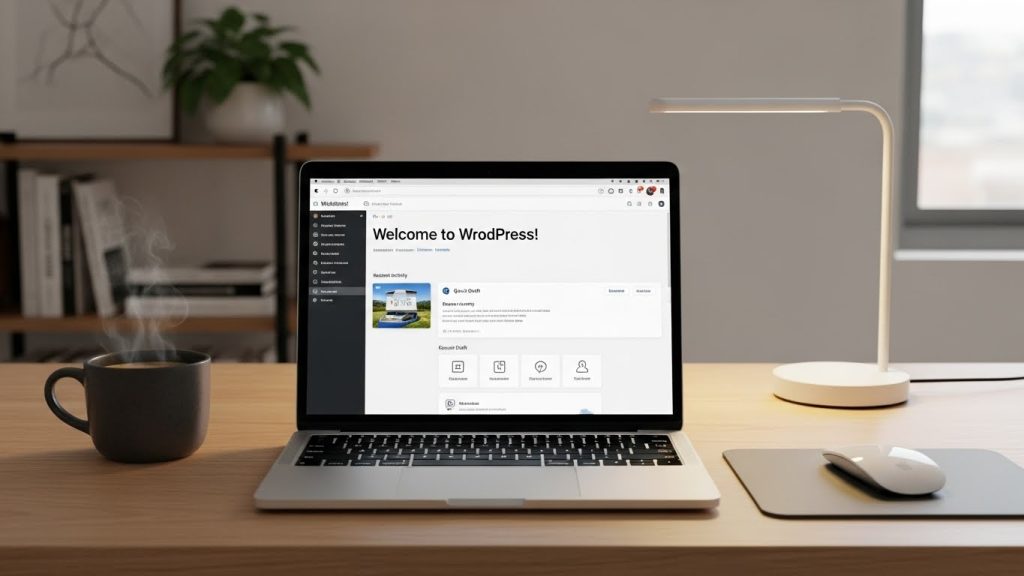
Why Choose WordPress for Blogging?
WordPress powers 43%+ of all websites worldwide, making it the most trusted blogging platform.
Key Benefits of WordPress
Free & open-source platform
Beginner-friendly dashboard
Thousands of SEO-optimized themes
Powerful plugins for speed & security
Easy monetization options

Step 1: Choose a Profitable Blog Niche
Your blog niche decides your traffic, ranking, and earnings. Always choose a niche that has:
High search volume
Monetization potential
Long-term demand
Best Blogging Niches for Beginners
Make Money Online
WordPress & Blogging Tips
Affiliate Marketing
Health & Fitness
Beauty & Skincare
Tech & AI Tools
💡 Pro Tip: Narrow niche = faster ranking
Example: ❌ “Blogging” → ✅ “WordPress Blogging for Beginners”
Step 2: Buy Domain Name & Hosting
To start a professional WordPress blog, you need:
Domain name (your website name)
Web hosting (where your site lives)
How to Choose a Domain Name
Short & memorable
Easy to spell
Prefer
.comextensionRelated to your niche
Example:
✔ smartblogtips.com
✔ wpbeginnerhub.com
Recommended Hosting for Beginners
Bluehost
Hostinger
SiteGround
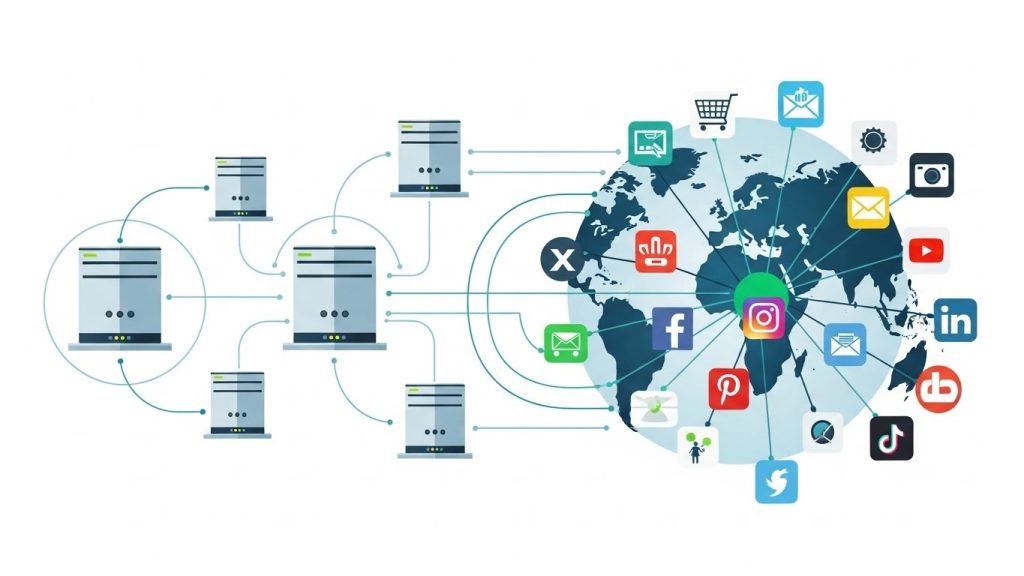
Most hosting providers offer 1-click WordPress installation.
Step 3: Install WordPress
After buying hosting:
Login to your hosting account
Click Install WordPress
Enter site name & admin details
Done! 🎉
You will get access to WordPress Dashboard, where you manage everything.
Step 4: Choose a Professional WordPress Theme
Your theme controls your website’s design, speed, and user experience.
Best Free WordPress Themes
Astra
GeneratePress
Kadence
OceanWP
Choose a theme that is:
Mobile-responsive
Fast loading
SEO-optimized

Step 5: Install Essential WordPress Plugins
Plugins add extra features to your blog.
Must-Have Plugins
Rank Math / Yoast SEO – SEO optimization
WP Rocket / LiteSpeed Cache – Speed
Elementor – Page builder
UpdraftPlus – Backup
Wordfence – Security
⚠️ Don’t install too many plugins – it slows your site.
Step 6: Create Important Pages
Before publishing blog posts, create these pages:
About Us
Contact Us
Privacy Policy
Disclaimer
These pages increase trust and AdSense approval chances.
Step 7: Write & Publish Your First Blog Post
Now comes the most important part: content creation.
Tips for Writing SEO Blog Posts
Use keyword-rich title
Short paragraphs (2–3 lines)
Use headings (H2, H3)
Add images
Write for humans, not robots
Example SEO Title:
“How to Start a WordPress Blog Step by Step for Beginners”
Step 8: Monetize Your WordPress Blog
Once traffic starts coming, you can earn money through:
Best Blog Monetization Methods
Google AdSense
Affiliate Marketing
Sponsored Posts
Digital Products
Freelancing Services
💰 Many bloggers earn $500–$5000/month within 6–12 months with consistency.
Final Thoughts
Starting a WordPress blog is not difficult, but success requires patience, SEO, and consistency. If you follow this step-by-step guide and publish quality SEO-optimized content, your blog can become a long-term passive income source.
